Our new partner page is here, with simplified navigation and product management, multiple user accounts and permissions, improved security, and more.
What's New on the zplane Partner Page?
New Login Process
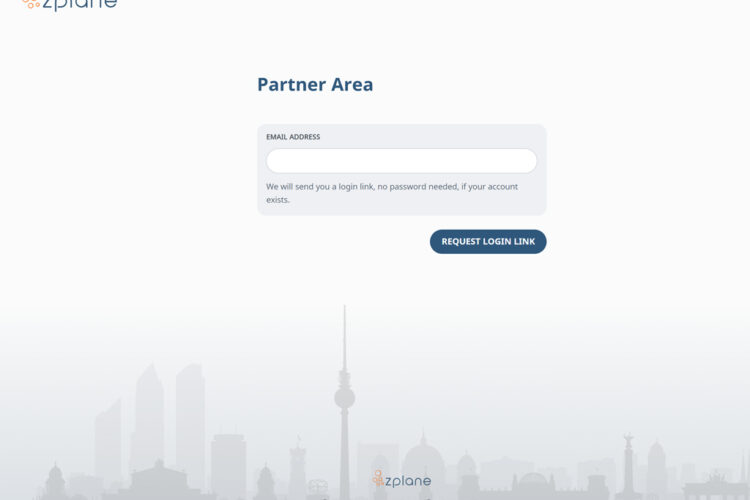
We’ve simplified the login process to make accessing the Partner Page easier and more secure. Instead of using a password, you can now sign in with a Magic Link.
Simply visit https://partnerpage.zplane.de, enter the email address associated with your partner account, and we’ll send a login link to your registered email address. Just click the link to access your Partner Area — no password needed.
An All-New Look and Expanded Filtering Options
We've made some changes to the appearance and behaviour of the website that are designed to improve the user experience. Firstly, the refreshed look brings a modernized and cleaner interface. Additionally, the Technology section's improved filtering options make it easier to find the products you're looking for.
Support for Multiple User Accounts
We've added support for multiple user accounts per company, which allows different team members to access the necessary information and resources.
User accounts can be managed directly by the company administrator. To keep things simple, we’ve introduced three user roles:
- Admin: Has full access to all features and can manage user accounts, including adding and removing users.
- Developer: Has access to SDK downloads and the corresponding technical documentation.
- Accounting: Has access to invoices and licensing agreements.
Improved Navigation
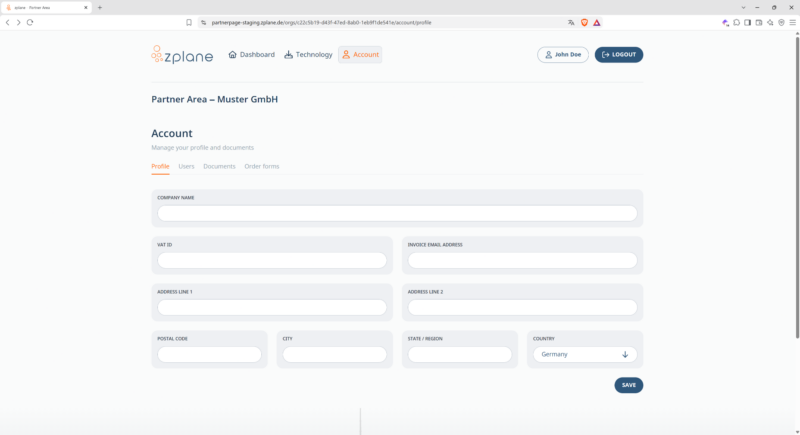
The Partner Page is organized into three main sections: Dashboard, Technology, and Account. The content of these sections remains largely unchanged from the previous version.